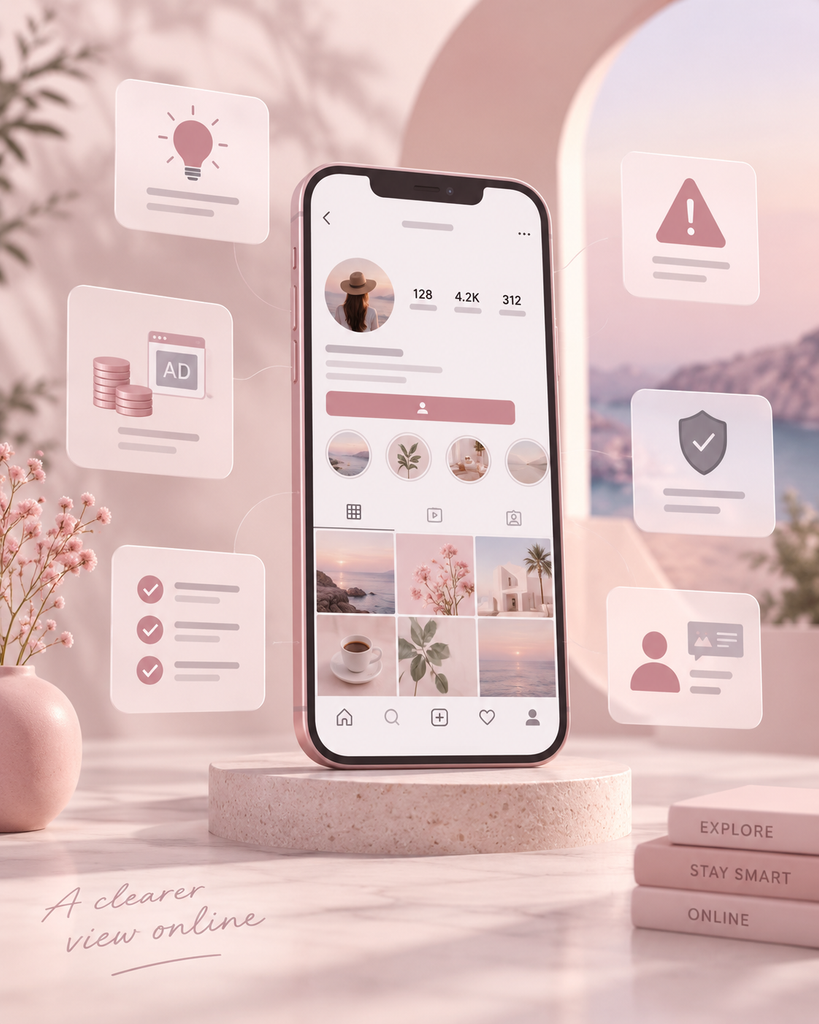
Alright, let’s get into it. Give this a few minutes and you’ll walk away actually understanding what a free Instagram profile viewer does, how to spot a decent one versus a sketchy one, and where most people trip up before they even realize it. No background needed here, just some curiosity.
What You’ll Walk Away Knowing
- What a free Instagram profile viewer actually is, in plain terms, not marketing language
- The handful of ways these free tools typically make their money
- The warning signs that a tool is asking for more than it has any business asking for
- A quick, practical way to size one up before you trust it with anything
- How to actually use all of this next time you’re deciding whether to try one
Lesson 1: What’s Actually Going On Here
A free Instagram profile viewer is just a tool, usually a website or an app, that lets you look at public Instagram content, posts, bio, sometimes Stories, without opening the app itself and often without logging into anything at all.
Here’s the word worth holding onto: public. Everything one of these tools shows you is stuff Instagram already displays to anyone who isn’t following the account. Nothing’s getting unlocked. Nothing hidden suddenly becomes visible. It’s the same public information, just handed to you through a different, usually tidier, window.
Picture it like walking around to a different window on the same house instead of finding a secret door. Instagram’s own app is one window into public content. A free Instagram profile viewer is another window, sometimes with a cleaner view of the room, but it’s the exact same room. You can’t see into a room that was never open, no matter which window you’re standing at.
Lesson 2: How These Things Actually Pay Their Bills
Nothing free exists purely out of goodwill, so it’s worth knowing upfront how a free Instagram profile viewer keeps the lights on before you get comfortable using one.
Ads. The usual setup. You browse, the site earns ad revenue. Fine most of the time, occasionally obnoxious depending on how heavy the placement gets.
Quietly logging data. Some tools skip ads entirely and instead track your searches, your IP address, general usage patterns, on their own systems, separate from your actual Instagram account.
Freemium. Basic browsing stays free, extra features sit behind a paywall. That’s reasonable enough, as long as it’s disclosed instead of sprung on you mid-search.
Asking for your login. The one that should genuinely give you pause. A free Instagram profile viewer built around browsing public content has no real reason to want your Instagram password. If it’s asking anyway, it’s either misrepresenting what it does, or it’s something else entirely wearing the same label.
Lesson 3: Learning to Spot Trouble Early
A big part of getting comfortable with this is catching red flags before you commit to a tool, not after you’ve already handed something over.
Keep an eye out for:
- Login credential requests instead of a simple username search
- Promises to unlock private accounts or hand you a list of profile visitors
- Heavy upsell pressure before you’ve even tried the basic function
- A privacy policy that’s vague, buried three pages deep, or just missing
- Marketing copy that sounds far more dramatic than what’s actually possible on the platform
A tool showing one of these isn’t automatically a scam. It’s just a fair enough reason to slow down before you go further, the same instinct you’d probably already apply anywhere else online.
Lesson 4: What a Genuinely Good Free Tool Looks Like
It helps to know what “good” actually looks like here, not just what to avoid. A solid free Instagram profile viewer tends to share a handful of traits, and they’re not complicated.
It asks for a username and basically nothing else to run a search. It’s upfront about how it makes money, ads, a paid tier, whatever it is. It never claims to unlock private accounts or visitor lists, because it genuinely can’t. And it actually delivers what it promises, posts, bio, maybe Stories, without burying the content under a pile of ads or forced sign-up steps first.
Short list, and that’s sort of the point. This category was never built to be complicated. When a tool feels overstuffed with features that have nothing to do with browsing a profile, that’s usually a sign it’s compensating for a price tag, or a data practice, that goes well past what simple browsing ever required.
Key Concepts, Quickly
Public content is anything visible to people who don’t follow the account, the entire reachable world for a tool like this.
Private content sits locked behind an accepted follow request, off-limits no matter what any tool claims.
Ad-supported means a free model paid for by advertising instead of a fee.
Freemium means free basics with paid upgrades sitting behind them.
Credential-seeking is the red flag pattern where a tool wants your login instead of just working off public data.
Try This Yourself
One. Think of any free app or tool you’ve used, doesn’t have to be Instagram-related. How did it actually make money, ads, data, an upgrade? Did you know that going in, or find out later?
Two. If you were sizing up a free Instagram profile viewer for the first time, name three things you’d check before typing in a single piece of information.
Three. A tool claims it can show you who’s viewed your private profile. Explain, in a sentence or two, why that claim doesn’t actually hold up.
Four. Pick a real tool you’ve come across, or find one with a quick search. Does it match the solid version described in Lesson 4, or does it show any of the red flags from Lesson 3? If you need somewhere to start, a useful point of reference is a browser-based viewing service with features and subscription details you can check against the criteria above.
Nothing here needs to be written down officially anywhere. The whole point is just getting these ideas into your head before the next time you’re actually evaluating one of these tools for real.